
A portal dedicated to European businesses brings together hundreds of pages: country-specific regulations, administrative procedures, funding, and industry directories. Finding the right information without going round in circles means understanding how the site organizes its content. The sitemap, often relegated to the footer, is the most underrated shortcut for doing just that.
The sitemap as a navigation tool for European businesses
Have you ever searched for a specific procedure on a large portal, clicked through three different menus, and then given up? The problem is rarely the content itself. It’s how you enter the site.
A sitemap (or visible sitemap) displays the entire structure of a portal on a single page. Every section, subsection, and page appears as a clickable link. Instead of navigating menu by menu, you get an overview that lets you spot the relevant section in seconds.
On a portal aimed at European businesses, this structure generally combines a thematic breakdown (taxation, employment law, funding) with a geographical one (country or region). Take a look at the Europe Entreprises sitemap for a good example of this approach: the main categories appear at the top, then branch out into more specific pages.
Starting with the sitemap can save you several minutes compared with exploring the main menu, especially if you’re not yet familiar with the terminology used by the portal.
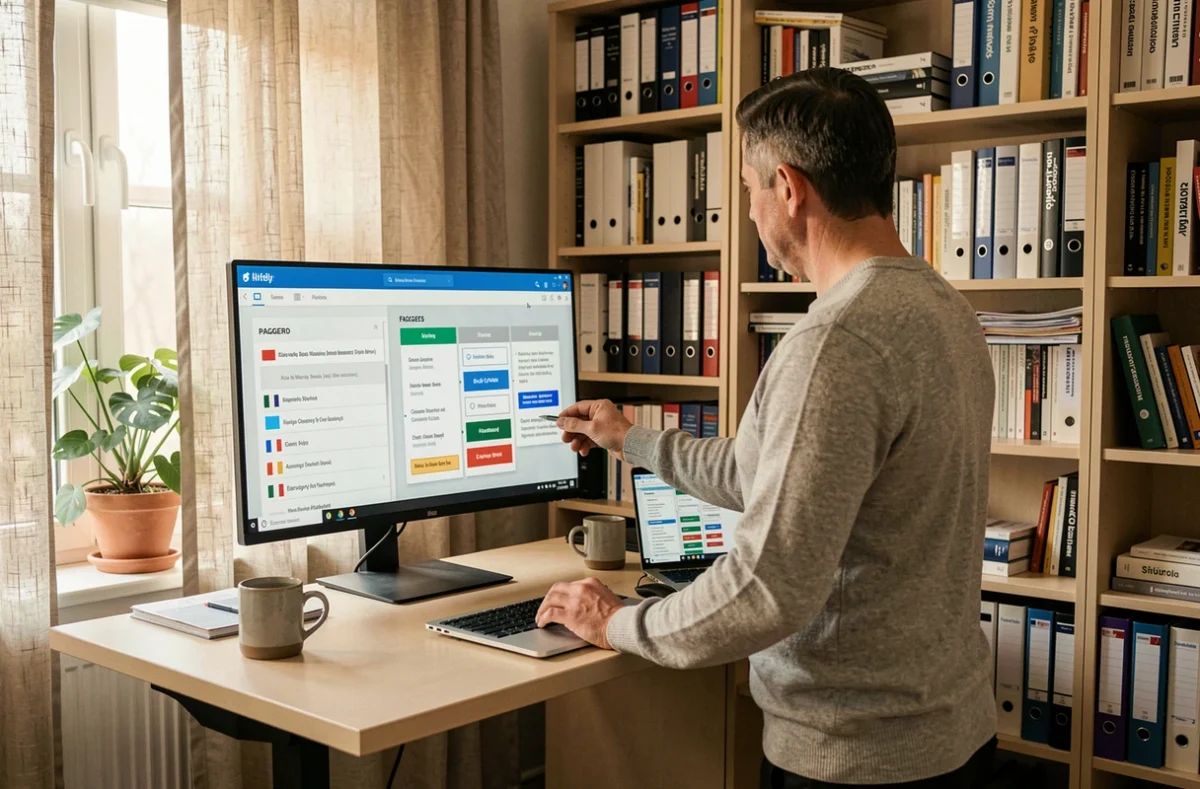
Geographical and thematic filters: find country-specific information
Most European portals first present general information that applies across the EU. This shared framework is useful for understanding the broader context, but it’s almost never enough to take practical action.
The real value lies one level down: in national rules. A portal such as Your Europe points users to country-specific information, but it’s up to you to select the right geographical filter before relying on what you read.
Why the general page isn’t enough
For example, an EU directive on electronic invoicing may be implemented differently in each Member State. The portal’s general page explains the principle. The country-specific page sets out the thresholds, deadlines, and competent authority. Always select the relevant country before reading the details of a procedure.
Thematic filters work in much the same way. An entrepreneur looking for funding won’t browse the same sections as an exporter checking product standards. The sitemap helps you quickly identify the thematic section that matches your needs, then narrow it down by country.
European portals and national administrations: understanding redirects
A common pitfall is treating a European portal as a one-stop shop that can handle everything online. In reality, these portals serve as entry points.
They centralize information, but the procedure itself (company registration, filing a declaration, applying for a grant) is often hosted on the website of the relevant national authority. Look for the link to the responsible authority on each page to avoid dead ends.
Cross-border exchanges of supporting documents
The technical system known as “Once-Only” is designed to enable administrations in different Member States to exchange evidence. The European Commission says its infrastructure has been operational since December 2023, but full operational readiness across all Member States remains a work in progress.
In practice, this means you shouldn’t assume that an administration in another country will automatically retrieve a supporting document. It’s best to check each page to see whether the cross-border procedure is already covered by this system or whether you still need to submit the documents manually.
- Find the link on the portal page to the national administration that actually handles the procedure
- Check whether the procedure can be completed entirely online or requires a postal submission or an in-person visit
- Check the page’s last updated date to make sure the information reflects the latest national implementations

Internal search and site structure: two complementary strategies
On a large portal, there are two ways to find information: the internal search bar and browsing the site structure. Neither is enough on its own.
Internal search works well when you know the exact term (a regulation number, a form name, or an acronym such as VIES for checking intra-Community VAT numbers). It’s less effective when you ask a broad question such as “how to export to Poland”.
In that second case, browsing the site structure via the sitemap is more effective. It lets you move from general to specific without relying on keywords.
Combine both approaches to check intra-Community VAT
Here’s a practical example. An administrative manager wants to check the VAT number of a European supplier. There are two options:
- Type “VIES” into the portal’s search bar and go straight to the verification tool page
- Browse the site structure, open the “Taxation” section, then “VAT”, then “Number verification” to reach the same result while also discovering related resources (applicable rates, filing obligations)
The first approach is fast. The second gives you more context. The site structure reveals useful pages that a targeted search will never show you.
Check that information on a regulatory portal is up to date
European portals compile regulations that evolve as they are implemented nationally and directives are revised. A page you consulted six months ago may be out of date.
Most reputable portals display a last updated date at the bottom of the page or in the metadata. Always check this date before acting on regulatory information.
If the date is missing or old, cross-check the information against the official website of the relevant national administration. The European portal then serves as a starting point, not a definitive source.
A well-designed sitemap also makes this check easier: by listing every page in a section, it helps you spot pages that haven’t been updated recently and focus your checks accordingly.